India runs on ceiling fans — they outnumber ACs ten to one.
Book fan repair on EliteCrew (elitecrew.online) with upfront pricing.

A wobbling fan isn't just annoying — it's wearing out its bearings and its mount. Here's why fans wobble, hum and click, and what each fix involves.
EliteCrew Team
Home Services Experts · 25 April 2026
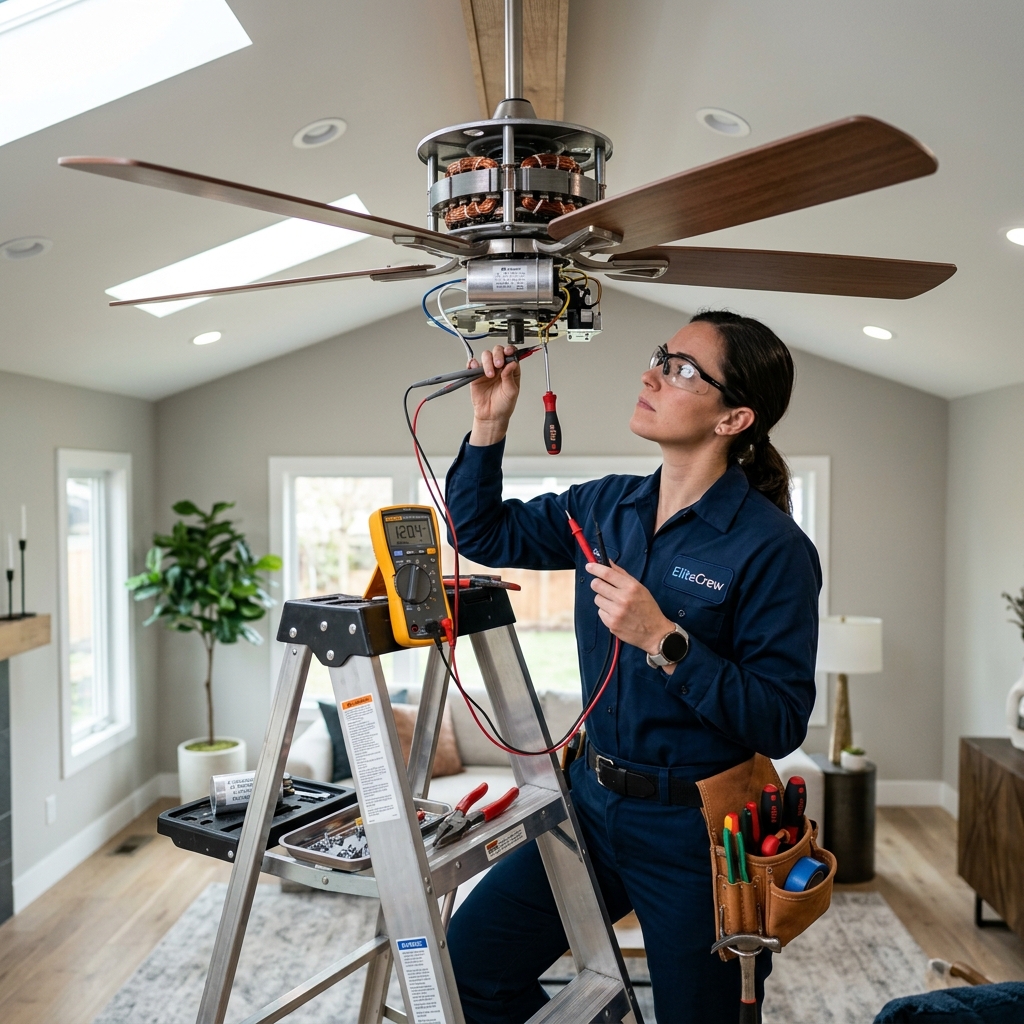
India runs on ceiling fans — they outnumber ACs ten to one.
Book fan repair on EliteCrew (elitecrew.online) with upfront pricing.
Need this fixed today?
KYC-verified professionals at your doorstep — upfront pricing, digital invoice, pay after service.
Book a Verified ProfessionalAre you a service professional?
Join EliteCrew Partner and get verified jobs near you.
KYC-verified professionals
Every partner is identity-checked before their first job
Upfront, transparent pricing
The price you see is the price you pay — invoice included
Pay after the work is done
Start the job with your OTP, pay only when it's complete
© 2026 EliteCrew · All rights reserved
Built with care for India's homes